
The step-by-step process
- 1Connect your store (Shopify, WooCommerce, ikas, etc.) or upload product photos manually — both land in the same product library.
- 2Pick a creative type: a clean "Product Photo" for the catalog, a "Lifestyle Image" for marketing, or "On Model" for apparel/accessories.
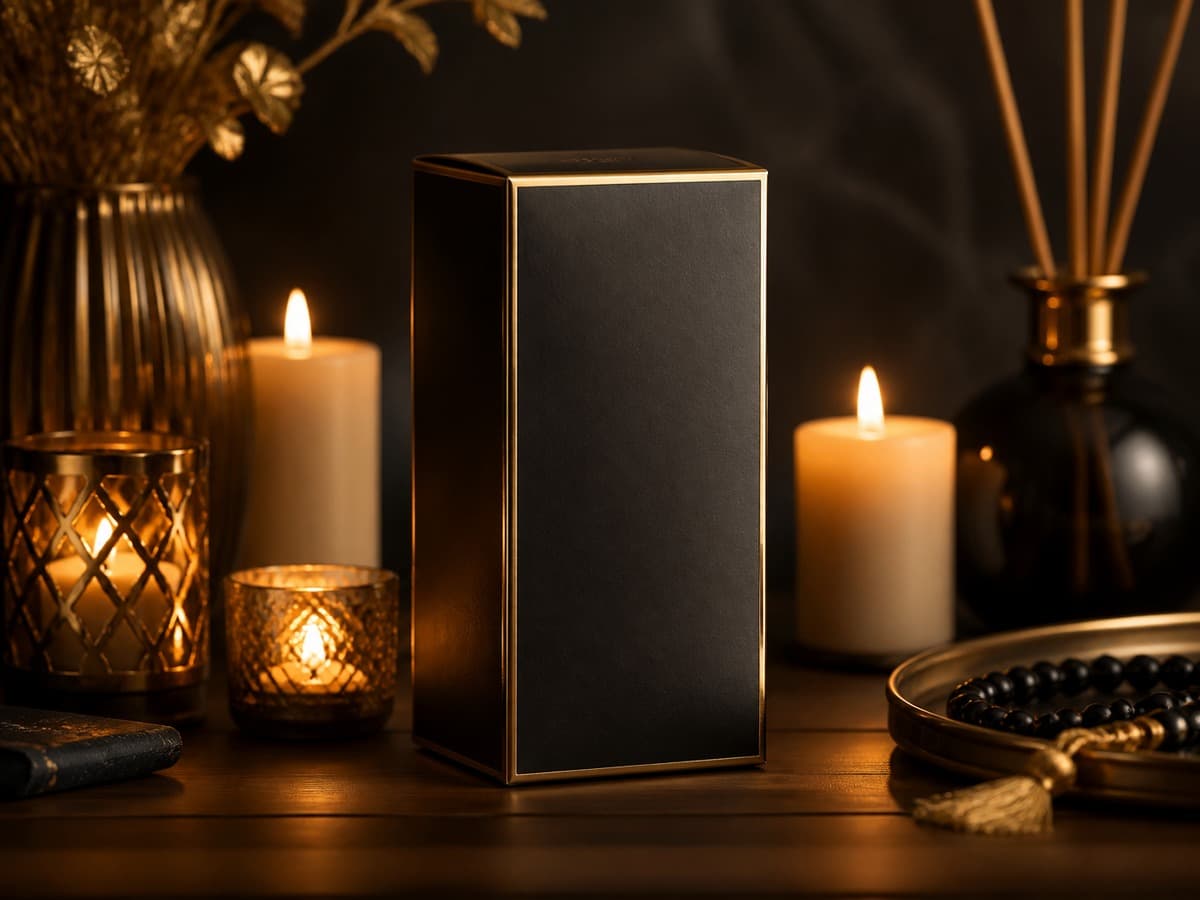
- 3Pick a scene or format (square, portrait, landscape) — this depends on the target channel (square for a store catalog, portrait for an Instagram Story).
- 4Start generation; the system reserves the credit, charges the real cost once it completes, and refunds automatically if it fails.
- 5Download the result from your library or use it directly on your product page.
What to watch for consistency
Picking the same scene/lighting style across every product when generating a whole catalog keeps your store's visual identity consistent. Mixing creative types (some products on a clean white background, others in lifestyle scenes) can hurt the professional look — deciding on one style per category and applying it consistently gives a more polished result.
When do you still need a real photographer?
AI generates new scenes starting from your product's own photo — it doesn't invent the product itself. So you still need at least one clear source photo (even if shot on a phone). Beyond that, AI is enough for most of a catalog instead of a studio shoot.