1. Decide what you're generating first
AI content generation isn't one thing: cleaning up a product photo, placing a product in a lifestyle scene, showing it on a model, a short ad video, and UGC-style video are all different "creative types." Deciding which channel you're producing for (a store catalog vs. an Instagram/TikTok ad) also decides which type you actually need to learn first.
2. Start with one product photo — it doesn't need to be perfect
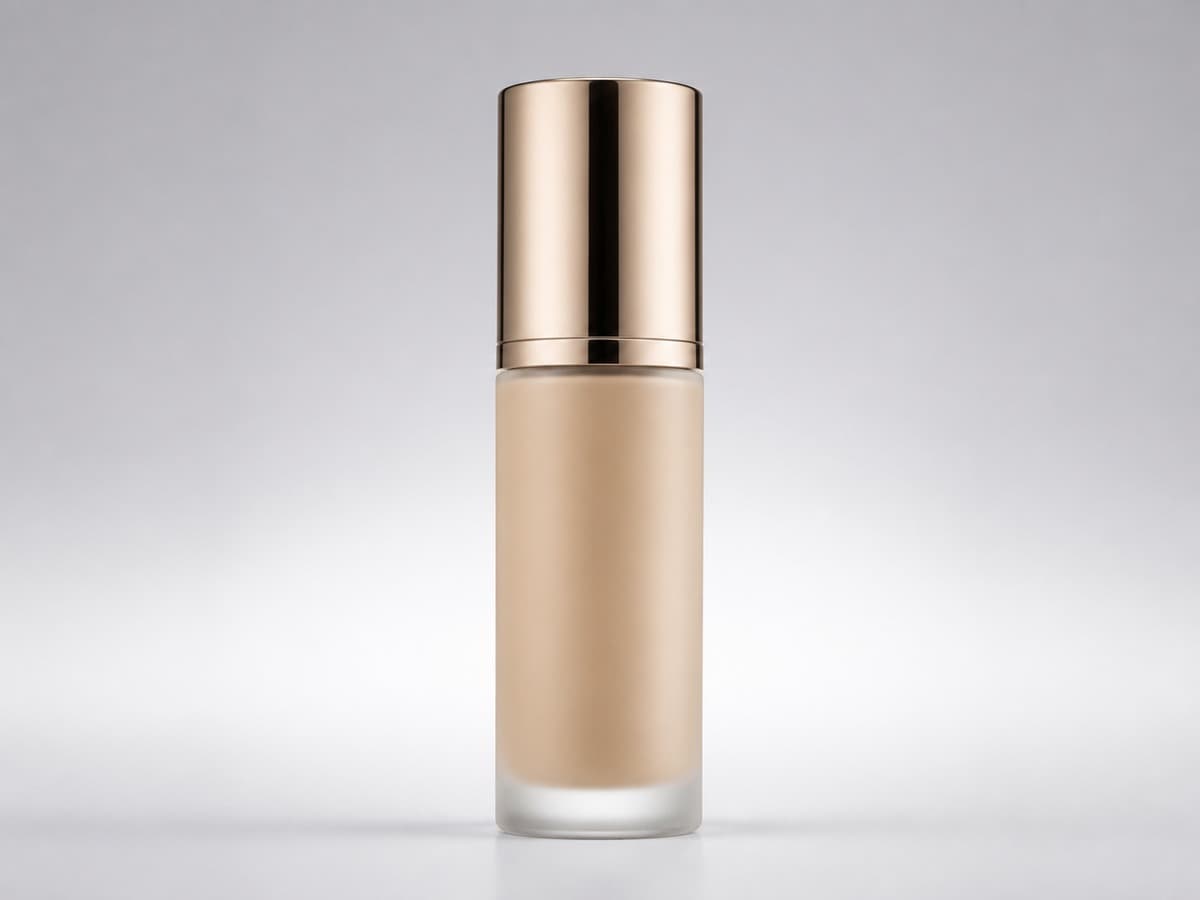
You don't need professional gear for your first try. A clear photo shot on a phone against a plain background is enough. The AI model learns the product's shape, color, and texture from that photo and carries it into new scenes — the clearer the source photo, the more consistent the result.
3. Start with a short prompt, then add detail
The fastest way to learn is to change one thing at a time: describe just the scene first ("on a wood table, natural light"), look at the result, then add details like camera angle, light direction, or material texture. Giving too many instructions at once usually makes results worse — going step by step speeds up learning.
4. Understand the credit/cost logic early
Most AI generation tools (Snap2Vid included) run on credits: image generation is relatively cheap, video costs more because it needs more compute. Practicing with images first, before moving to video, lets you learn how the model responds without burning credits.
5. Run one real product end to end
The last step: take a real product through the whole flow — add it, pick a scene/style, generate, download, put it on your store or social account. Learning in theory is one thing; actually shipping a product is another, and this step is what makes it stick.